Click to download now, finish the installation quickly, and directly unlock the all-round experience
Screenshots
Click to download now, finish the installation quickly, and directly unlock the all-round experience
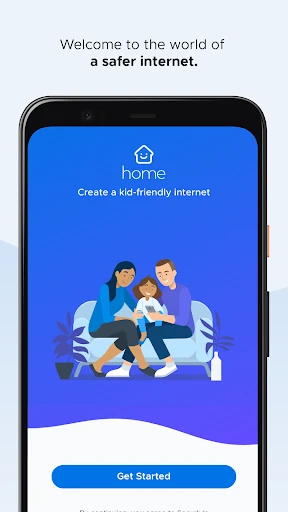
Securly Home helps parents monitor and manage their child’s internet use on supported school devices at home. It is designed for families whose children use school-managed phones, tablets, or computers and need the same online safety boundaries outside school hours. The app comes from Securly Inc. and is listed in the Parenting category.
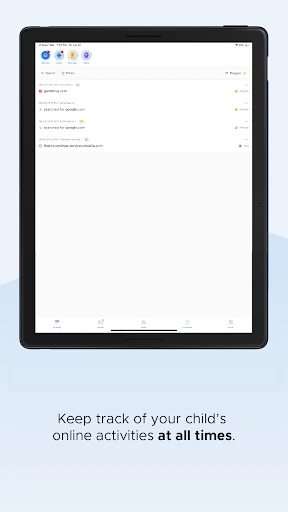
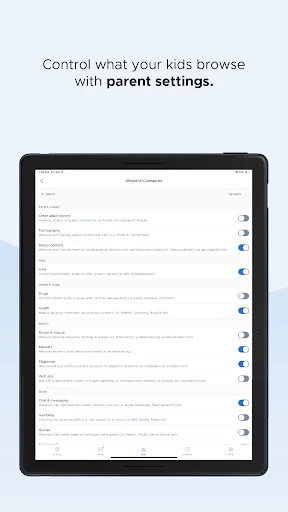
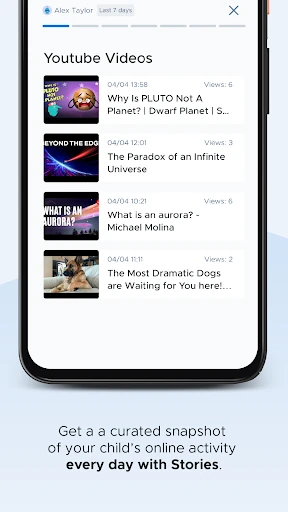
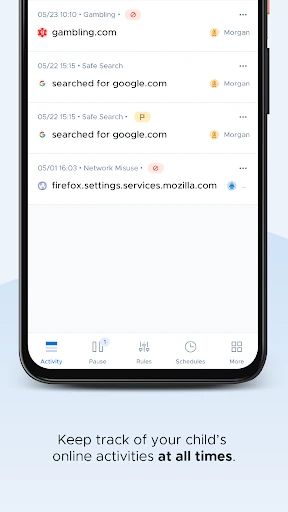
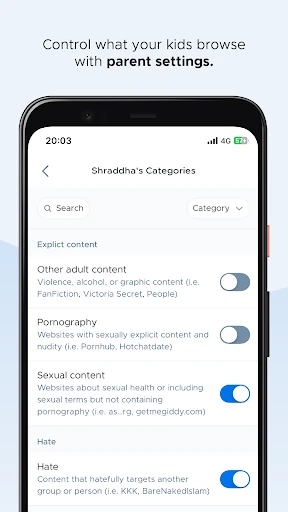
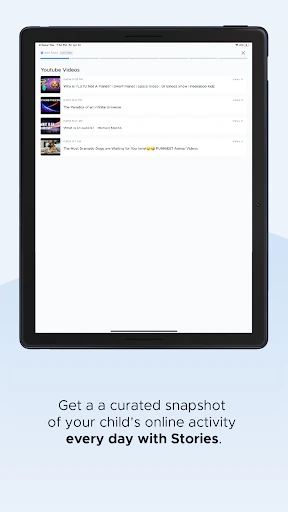
The app provides an activity feed showing browsing history and search activity, giving parents a clearer view of how a child is using the internet. Parents can also adjust web-filtering settings to limit access to unsuitable content while keeping school-related browsing available.
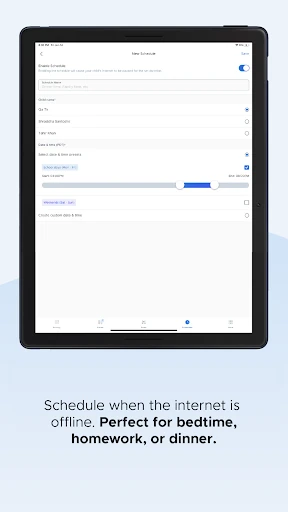
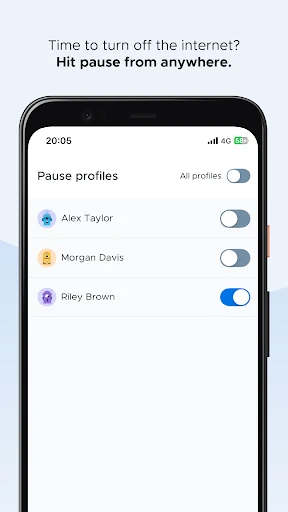
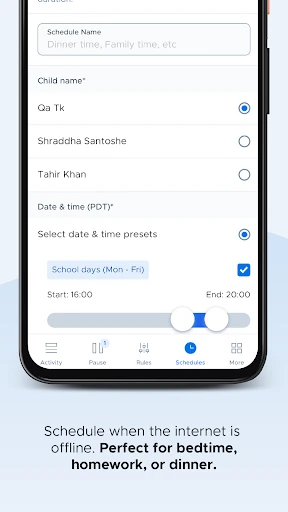
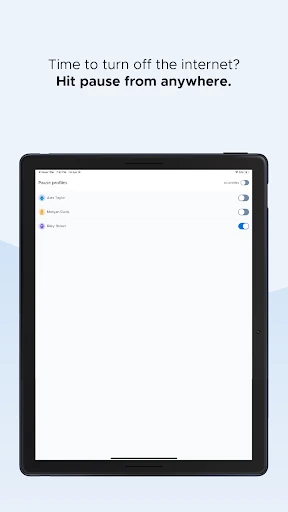
Securly Home focuses on quick decisions rather than technical network settings. A chronological activity view helps parents review recent use, while the pause and scheduling controls support regular household rules. Its usefulness depends on the child’s device being supported and connected to the Securly-managed school environment, so it is not a general-purpose controller for every device in the home.
Securly Home has a 4.47 out of 5 rating from 1,437 reviews and more than 100,000 installs. It suits parents who want visibility into school-device activity, configurable filtering, and a practical way to enforce internet breaks without managing each setting manually.